The Ultimate Guide to Setting Up Your Booking System
Stop the email back-and-forth. A proper booking system qualifies your leads, fills your calendar with ideal clients, and handles the admin while you focus on the work.
What a Good Booking System Does
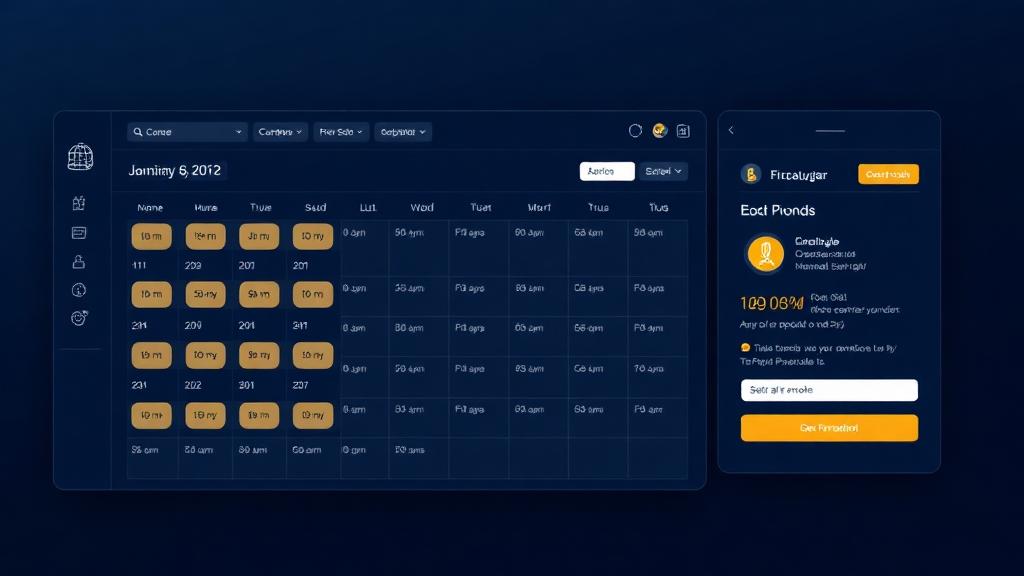
Beyond just showing your availability, it should: collect qualifying information before the call, send automatic reminders to reduce no-shows, integrate with your CRM so new bookings become leads, and trigger a follow-up sequence if the call doesn't happen.
The Tools Worth Using
- Calendly: Simplest to set up, great for straightforward scheduling
- TidyCal: One-time fee, solid for budget-conscious coaches
- GoHighLevel: Best if you want it to feed directly into your CRM and automation
- Acuity Scheduling: Strong intake forms and payment collection
The Setup That Converts
Step 1: Create a booking page with your photo, what the call covers, and what they'll leave with.
Step 2: Add 3–5 qualifying questions (What's your biggest challenge? What's your budget range? What's your timeline?).
Step 3: Connect it to your calendar and CRM.
Step 4: Set up a reminder sequence: 24 hours before, 1 hour before, and a follow-up if they don't show.
Pro Tip
Add a short Loom video to your booking page showing your face and explaining what you do. Coaches who do this see 30–50% higher booking completion rates. People book people they feel they know.
Ready to Build Your Systems?
Reading is great — but implementation is better. Let's talk about your specific situation.
Chat on WhatsApp